
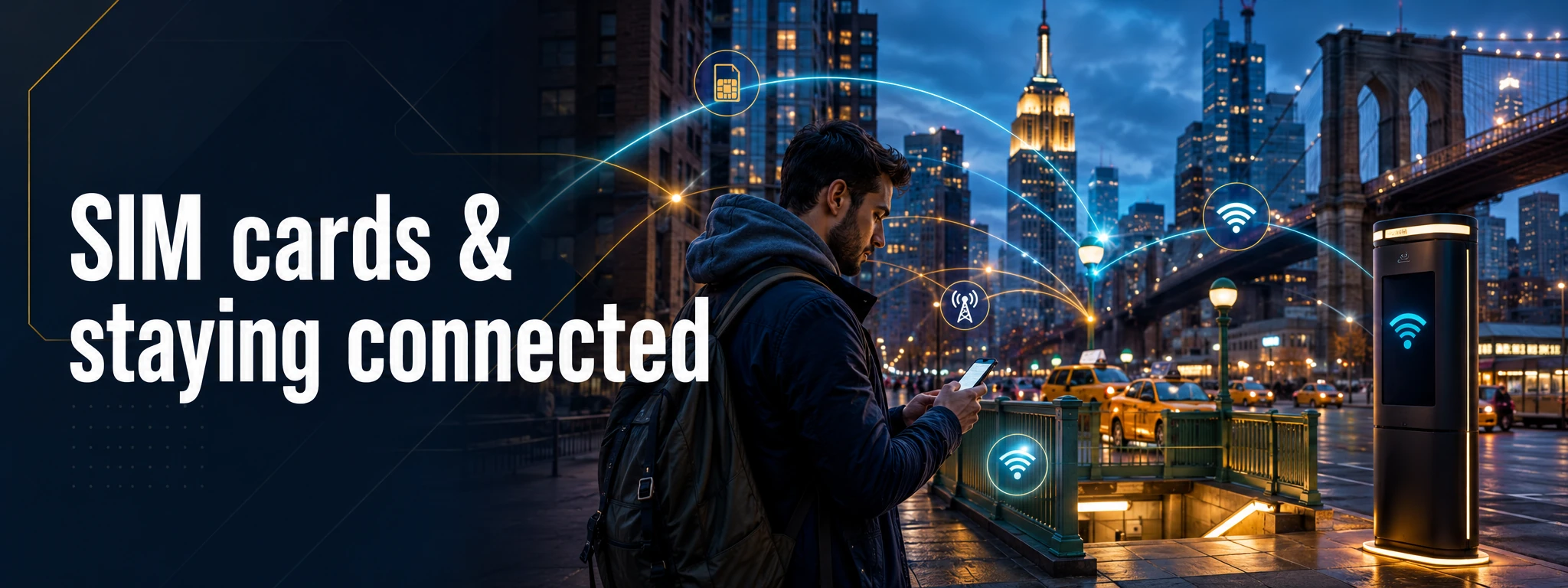

Start with the decision, not the provider
For a New York trip, there are three sensible ways to stay connected: keep your home carrier and use roaming, add a travel eSIM, or buy US prepaid service. I would choose between those before you fly, because the right answer depends more on your phone and trip length than on whatever kiosk you see after landing.
For a short visit, roaming can be worth paying a little more for if it keeps your normal number and removes setup friction. A travel eSIM is often the cleaner option when you want a separate data allowance. A US prepaid plan starts making more sense for longer stays, heavier calling or travellers who specifically need a US number.
Roaming: easiest, but check the real cost
Your existing carrier is the lowest-friction choice because your normal number, voicemail and account stay in place. Before departure, check the carrier's current US roaming terms, including whether charges are daily, per-use or included in your plan. Do not assume an “unlimited” domestic plan automatically covers the United States when you are visiting from overseas.
I would also check whether receiving calls or texts triggers charges, how hotspot use is treated, and what happens after any high-speed data allowance is exhausted. Save the carrier's support details before you travel rather than trying to solve an account problem on airport Wi-Fi.
Travel eSIM: excellent when your phone supports it
An eSIM can be a very tidy travel setup: install it before leaving home, keep your main SIM active for important messages, and use the travel line for data in New York. But there is no useful “best eSIM for everyone” table that stays accurate for long. Prices, network partners, data limits, hotspot rules and validity periods change too quickly.
Read the plan itself. Some travel eSIMs are data-only; others include a number or calling. If you need ordinary US calls — for a hotel, restaurant, ticket office or local contact — make sure your setup supports them, or plan to use an internet calling app where appropriate.
Local US service: check unlocking and activation first
Local prepaid service can be useful for a longer trip, but I would not arrive assuming any physical SIM will work in any phone. Carrier locking, device compatibility and eSIM-only phone models can all change the setup. Check your handset and home-carrier status before buying.
Major US carriers and their prepaid brands have retail options around New York, but shop locations, activation rules and offers change. Compare the current plan rather than choosing on brand recognition alone, and do not hand over your phone or account credentials to an unofficial street seller.
Keep your home number alive for verification
The part travellers often forget is two-factor authentication. Banks, airlines and other accounts may send a verification code to your normal number. If your phone supports dual-SIM operation, keeping the home line available while using a travel line for data can be useful. Check your home carrier's roaming settings first so “keeping it available” does not quietly create unwanted data charges.
Download airline bookings, hotel details, tickets and any critical QR codes before the day you need them. Connectivity is convenient; it should not be the single point of failure for entering your hotel or proving you have a ticket.
LinkNYC is genuinely useful free Wi-Fi
LinkNYC provides free public Wi-Fi through kiosks across all five boroughs, along with services such as maps, directions, phone calling and device charging. It is useful for a quick connection when you are near a Link, but I would not build an entire navigation plan around finding public Wi-Fi from block to block.
LinkNYC distinguishes between its open “LinkNYC Free Wi-Fi” network and a private network available on compatible devices. If you use any public network, pay attention to the exact network name and use normal account-security habits.
Public Wi-Fi is a backup, not your whole strategy
The US Federal Trade Commission notes that encryption is now widespread on websites, but the basic precautions still matter: keep your phone updated, use strong authentication, check for HTTPS/lock indicators in the browser and be suspicious of fake login pages. A network named after a hotel or café is not automatically the venue's real network.
For maps, download an offline area before leaving your accommodation. Save the addresses you will need that day. A small amount of planning means a dead zone, flat battery or failed login becomes an inconvenience rather than a crisis.
Coverage: stop looking for one universal winner
I would not publish a claim that one carrier is “best across all five boroughs”. Coverage can vary by building, subway section, neighbourhood, device bands and network congestion, and carrier networks keep changing. For most visitors staying in the main urban areas, the more useful comparison is whether the plan meets your data/voice needs and works with your device.
If your trip goes beyond the city — for example into rural New York State — check the carrier's current coverage map for those exact places rather than extrapolating from Midtown Manhattan.
A practical setup before the flight
- Check whether your phone is unlocked and whether it supports the SIM/eSIM format you plan to use.
- Compare your home carrier's current US roaming price with one or two travel/local alternatives.
- Decide whether you need a US phone number or only mobile data.
- Install or activate anything that can safely be prepared before departure.
- Keep your home number available if important accounts use it for verification.
- Download offline maps, tickets and hotel details.
- Use LinkNYC and venue Wi-Fi as useful backups, not as your only connection.
Official information worth checking
For free city Wi-Fi, use LinkNYC's current network and connection guidance. For public-network security, the US Federal Trade Commission's public Wi-Fi guidance is a sensible baseline. Your own carrier and device manufacturer remain the authority for roaming, unlocking and handset compatibility.
Cheers, Carpe Diem & may the map load before you miss the turn! 🍻⏳📱
TATS Man
The bloke who downloads the ticket before leaving the hotel Wi-Fi.